
Tutorials - Creating track of M1 Abrams
 |
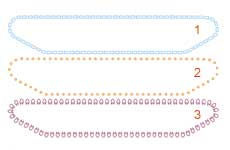 |
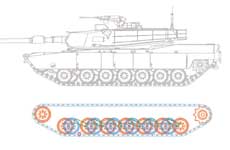
| I pulled down a drawing of the Abrams tank from the internet, and used the drawing in Corel Draw. Then exported the parts in WMF files. |
 |
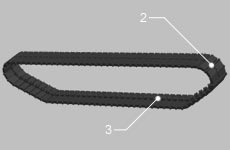 |
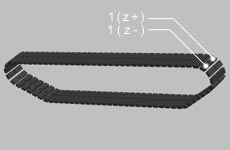
| 2 parts1 with bevel options and Z(+,-)moving, now add part2 and part3 (z=0, bevel options). |
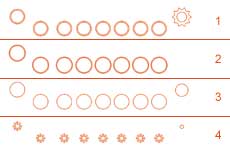 |
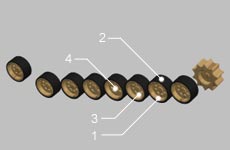 |
| This part is easier, play around with bevels, colors and texture only. When you're done, assemble them as shown. |
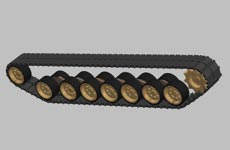 |
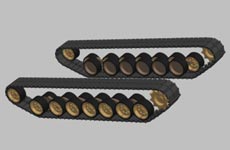 |
| After putting the track together I made "group" and duplicated it. Now group 1 moves z+ and group 2 moves z-. Warning! on't forget that you must change places of the front and back wheels in group 2! |
|
|

|

If you want to buy NEW Ulead Cool3d 3.5, you can leave on site Ulead under this link, it you support my site, thanks.

|



